
Work around with Jupyter-Hub and conda env

Introduction Environmental Remote Sensing Engineer and Full Stack Developer
Industry Experience I have primarily worked as a Data Scientist with a specialization in software engineering for cloud servers. My leadership capabilities are robust, fostering collaborative and agile environments that enhance decision-making processes among peers.
Teaching Experience Throughout my professional journey, starting from my initial roles as a Project Manager and Principal Investigator, I have honed my leadership skills. I excel in creative problem-solving, often adopting unconventional approaches to devise scientific solutions that are straightforward and effective.
Data Science and Writing I am committed to continuous learning in engineering science, mastering remote sensing software tools, and enhancing data storytelling techniques. My contributions to scientific journals and presentations at global conferences underscore my pursuit of cutting-edge solutions in remote sensing, environmental climate studies, and software engineering. As the founder of three startups in data science and business intelligence, I lead technology teams to innovate product design, marrying machine learning with software engineering to transform data into valuable insights for public and private stakeholders.
Current Goals I am currently seeking postgraduate opportunities to deepen my understanding of environmental critical variables. My goal is to develop advanced tools that integrate machine learning and software engineering, aiming to provide stakeholders with novel interpretations and practical applications of their data.
I recently have to work around with python compatible environment between my colleagues. Since we are mix team that switch from Python to R, I'm use to set up the best environment to go through this kind of issues. Here I note some usefull pieace of code to set up.
A tasty solution: Juyter-Hub
From this official site and Littelest-hub I managed to install a Jupyter Hub server from me and collaborators to face different aspect.
Run the following code on a fresh server. I would use a DigitalOcean $15 2 CPU / 2 GB Memory / 60 GB Disk / Ubuntu 20.04 (LTS) x64
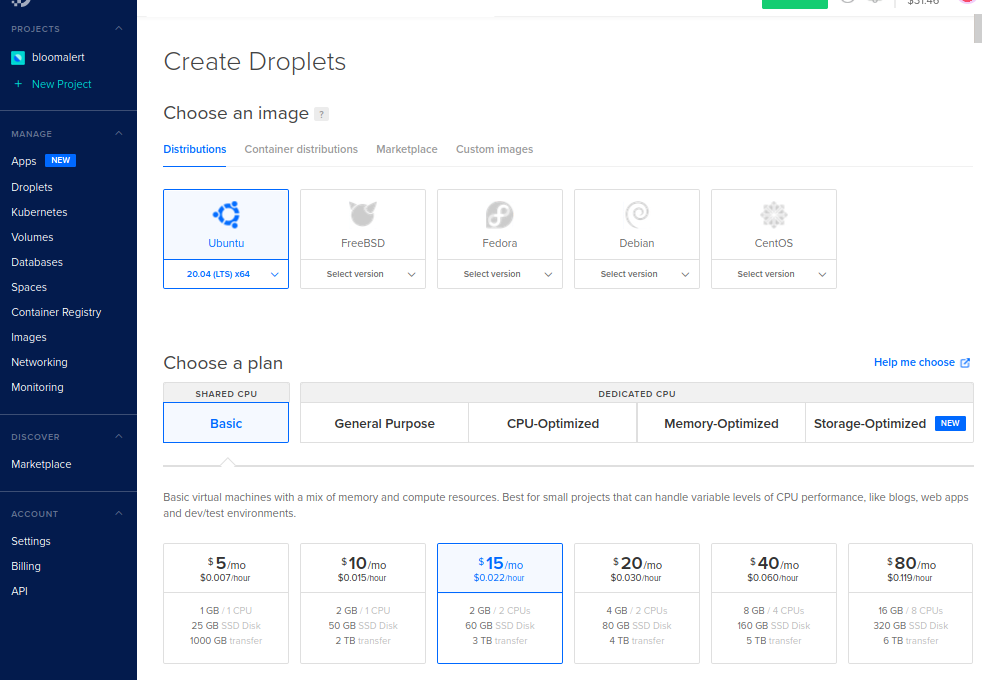
It's take just a few minute to deploy. Then access using ssh protocol and public IP - IPv4
ssh root@IPv4
sudo apt install python3 python3-dev git curl
Replace <admin-user with the name of the first admin user for this JupyterHub
curl -L https://tljh.jupyter.org/bootstrap.py | sudo -E python3 - --admin <admin-user>
Open in http://IPv4
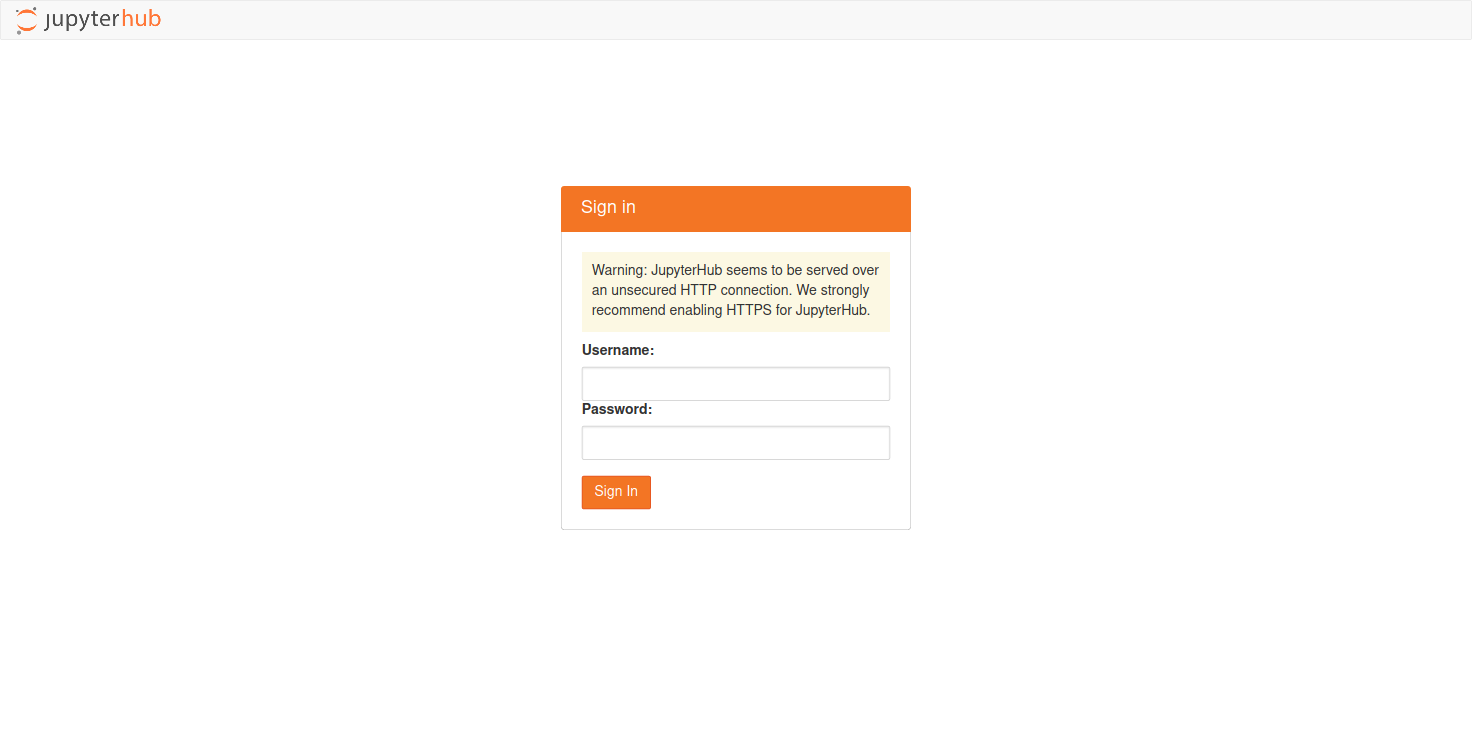
Git Clone
Clone you Git Project and install your favorite conda packages. I like to use '.yml' file which I easily can use to install all my dependency and activate.
Resolve conda environment installation troubleshooting permission
NotWritableError: The current user does not have write permissions to a required path.
  path: /opt/tljh/user
  uid: 1009
  gid: 1009
If you face permission problems as me, use the following code to resolve it:
sudo chown -R $USER:$USER /opt/tljh/user
conda env create -f file.yml
conda activate $env
Install ipykernel to manage the diferent python conda enviroment available in conda
# Install ipykernel to make available for ipykernel
conda install -c anaconda ipykernel

# this command make available in Jupyter
python -m ipykernel install --user --name=$env
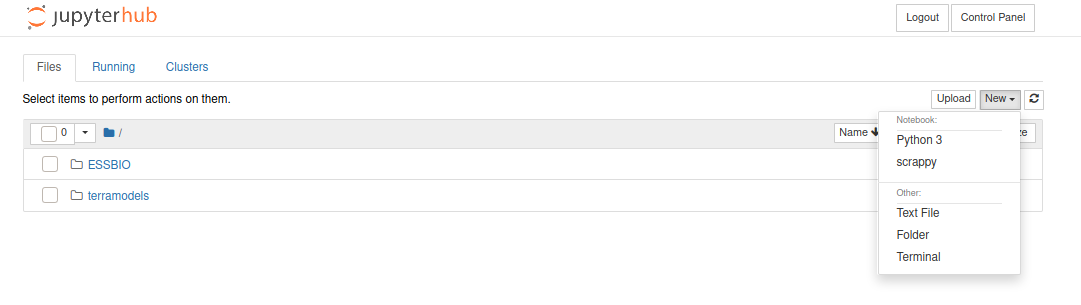
Remove the Kernel
rm -rf /home/jupyter-user/local/share/jupyter/kernels/$env
Swappiness makes life happier
If you want to deploy heavy consuming processes like me (remote sensing data processing), it's better to increase your swappiness in case you consume all your RAM space. Swap is an space design to temporarily store data that it can no longer hold in RAM. This give us the ability to increase the amount of information that your server can keep in its working memory. More info in DigitalOcean
sudo fallocate -l 2G /swapfile
sudo chmod 600 /swapfile
sudo mkswap /swapfile
sudo swapon /swapfile

## Making the Swap File Permanent
sudo cp /etc/fstab /etc/fstab.bak
echo '/swapfile none swap sw 0 0' | sudo tee -a /etc/fstab
Adjusting the Swappiness Property
sudo nano /etc/sysctl.conf
ADD the following line at the bottom
vm.swappiness=10
Excellent Enjoy :)
PD: Next steps would be Jupyter-Lab, take a look on this nice tutorial